What is MicroRAG?
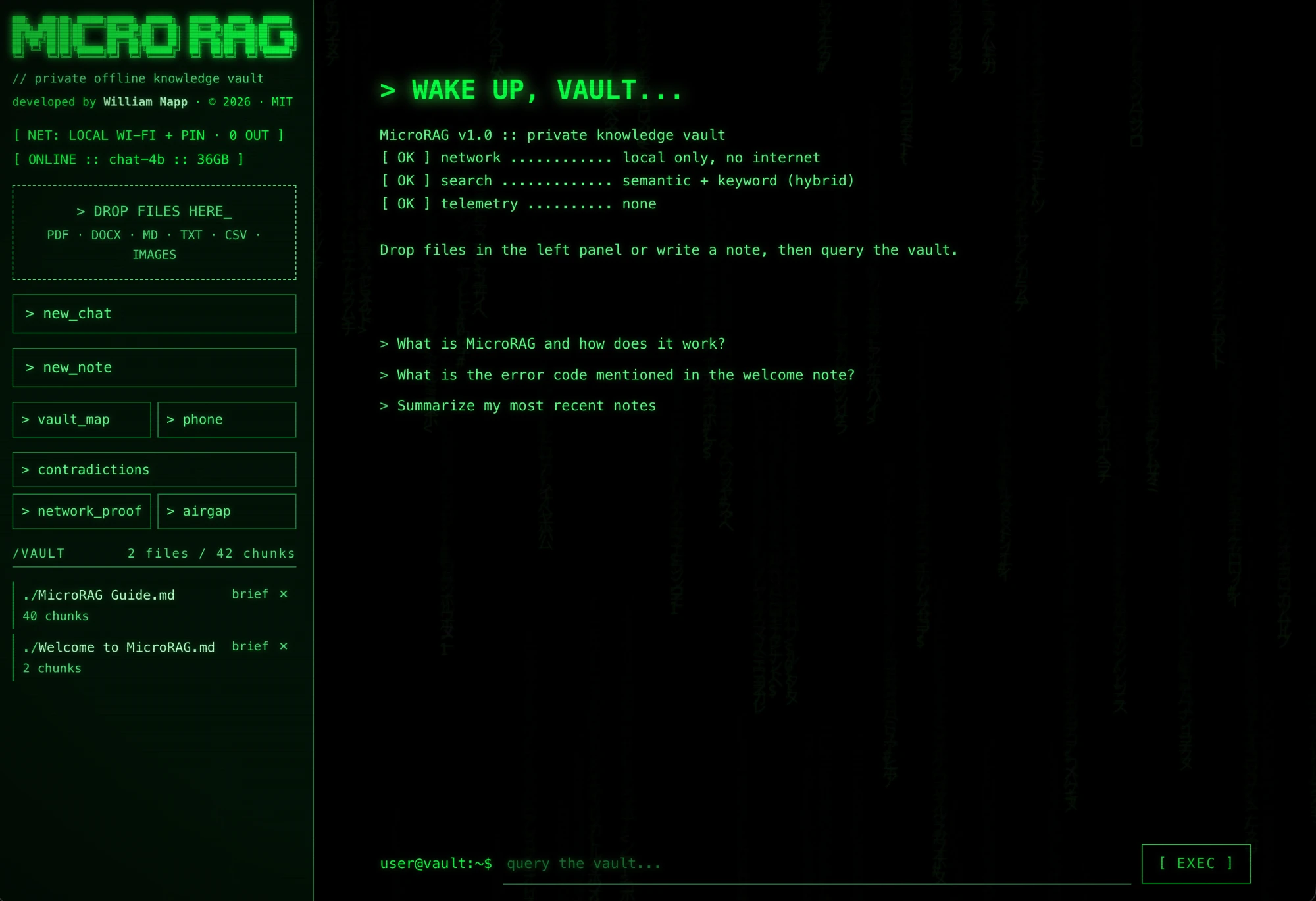
MicroRAG is a free, open-source AI knowledge vault. You put your documents on an SD card, plug it into a computer, and ask questions in plain English. It answers from your own files and cites the passages it used. The documents, the search index and the AI models all stay on the card, and everything runs on your computer.
Does MicroRAG really work offline?
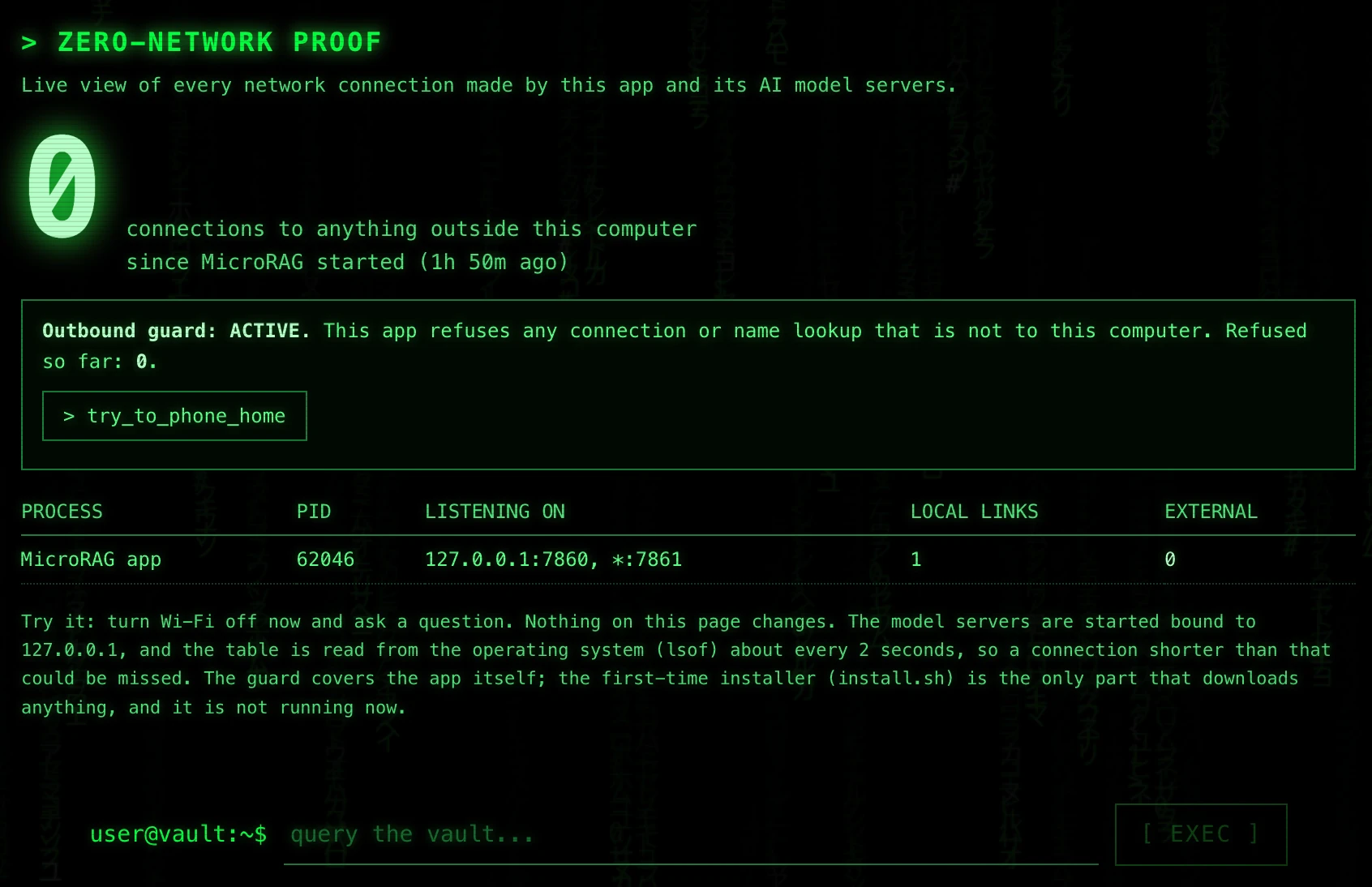
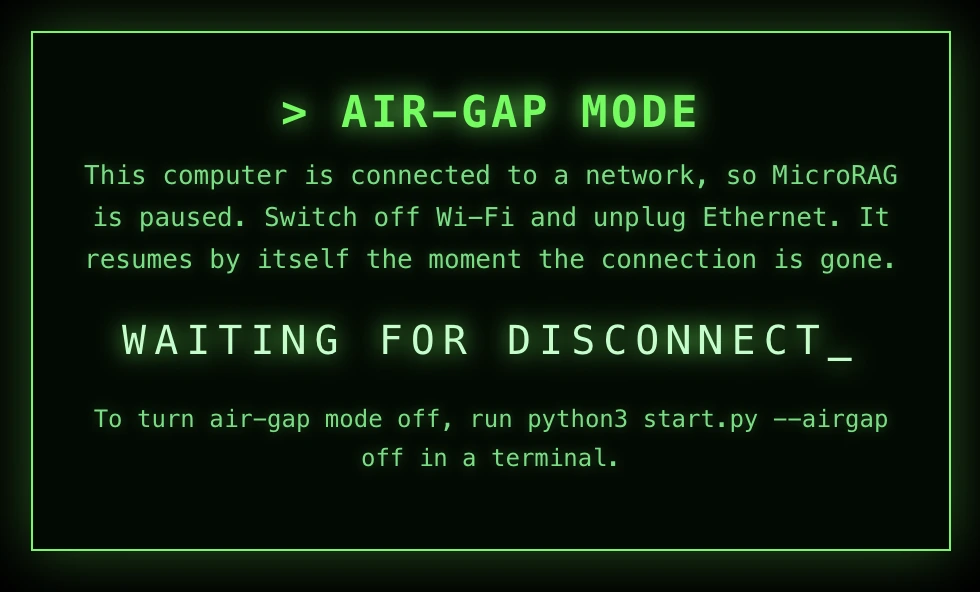
Yes. You need internet once, to download the runtime and models during install. After that it runs with no connection. The Zero-Network Proof view lists the connections the app makes, and Air-gap mode can refuse to run while any network is up.
Why an SD card and not a USB stick?
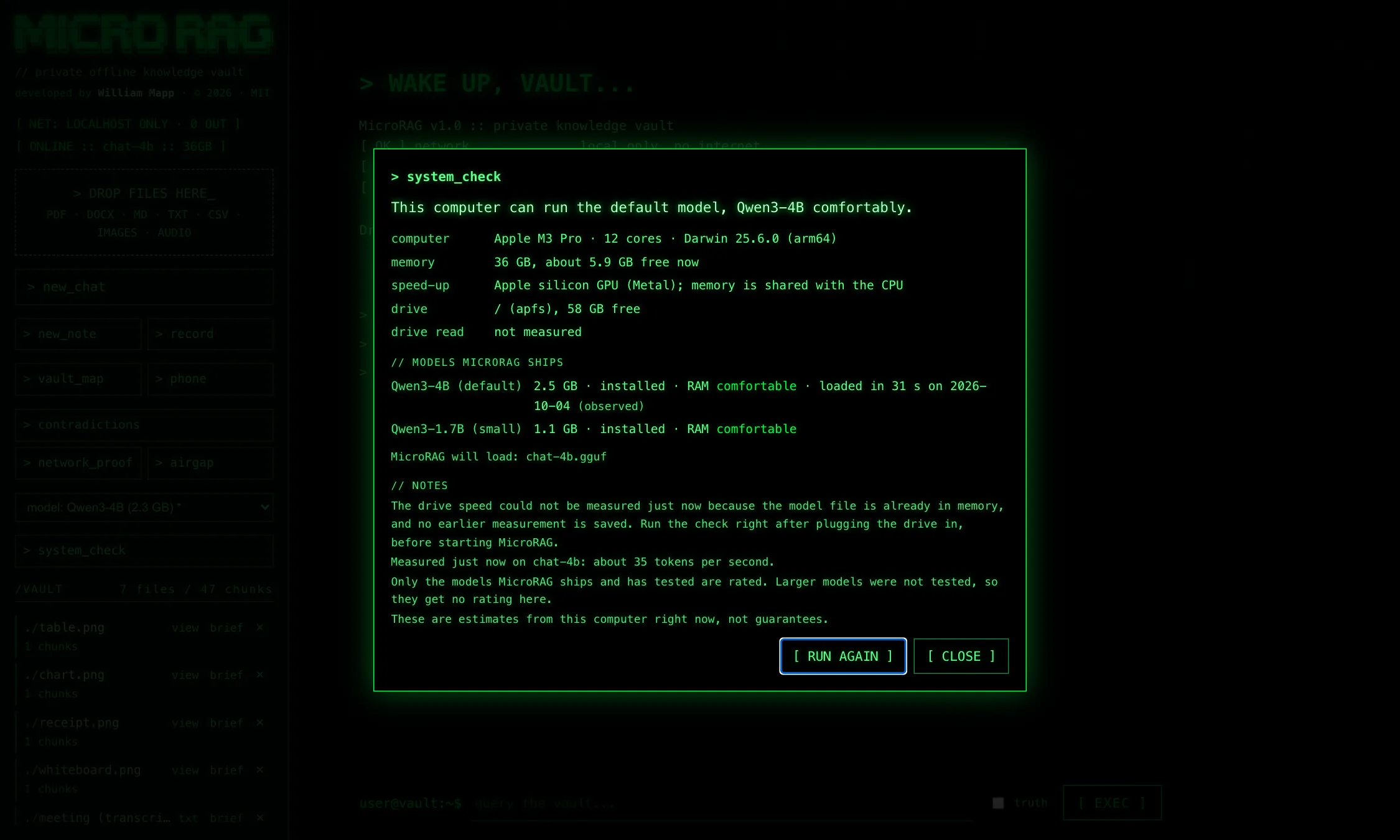
Speed. MicroRAG loads a model of about 2.3 GB at every start and searches its index on every question, so storage read speed matters most. On the author’s Mac, the same card loaded the 4B model in 31 seconds through the built-in SD slot and 1 minute 48 seconds through a USB card reader. SD cards also print performance classes, such as A2 for random reads, that typical USB sticks do not publish. We did not test a USB stick head to head, and a fast USB 3 SSD drive can match or beat a mediocre card.
Is my data uploaded anywhere?
No. There is no account, no cloud and no telemetry. Your files, the search index and the models stay on the card, and questions are answered on your own computer.
What do I need to run it?
An SD card with roughly 5 GB free for the app, the models and speech, or about 8 GB with the optional pictures pack, plus room for your files, and a computer. It was built and tested on a Mac. The Windows and Linux launchers are included but untested. 8 GB of RAM works with the small model, and 16 GB or more is comfortable with the larger one. Reading pictures and Truth mode need 12 GB or more.
What kinds of files can it read?
Text and Markdown files, CSV, JSON and HTML, Word (.docx) and PDF files. Photos, screenshots and scanned PDFs are read with on-device OCR, which uses Apple Vision on a Mac, and with the optional pictures pack a vision model also describes them and reads charts and tables. Audio files (WAV, MP3, M4A and more) and live recordings are turned into transcripts with Whisper. Quality depends on the scan, the picture and the audio.
Can it transcribe recordings and write meeting minutes?
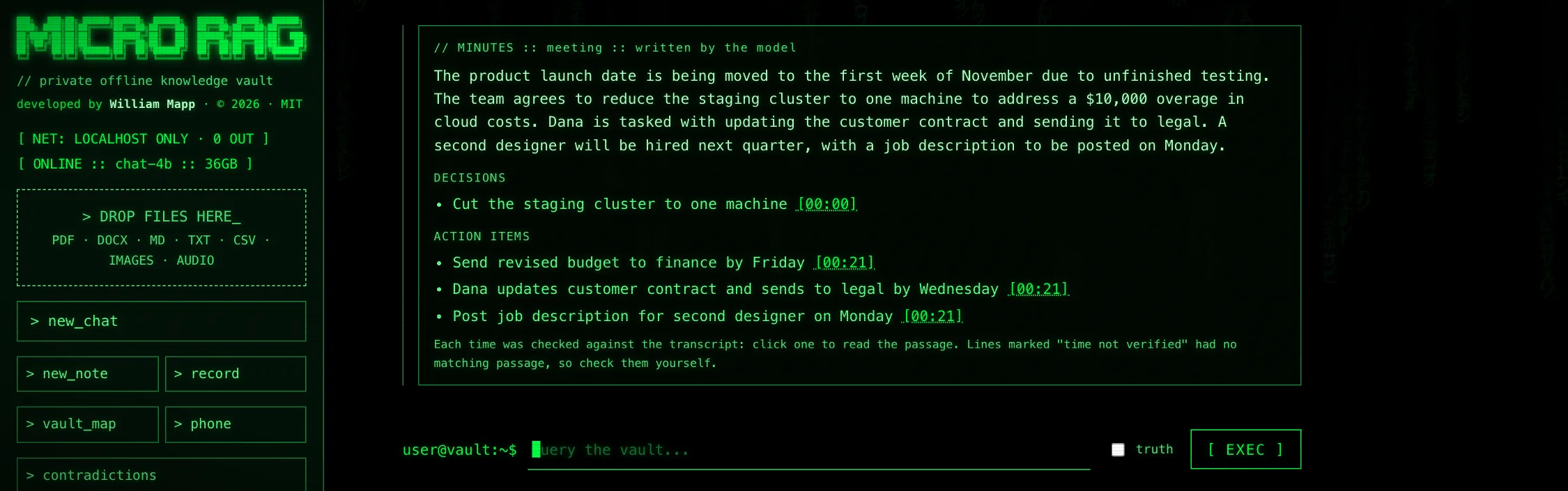
Yes. Press record, or drop in an audio file, and Whisper turns it into a note with a time on every paragraph. The recording is processed on your computer and the audio itself is not kept. The transcript is searched like any file, and its briefing is a summary, decisions and action items, each with a time that is checked against the transcript so you can click it and read the passage. The speech model is English only, and it marks a change of speaker but does not say who is speaking.
Can it read pictures, charts and whiteboards?
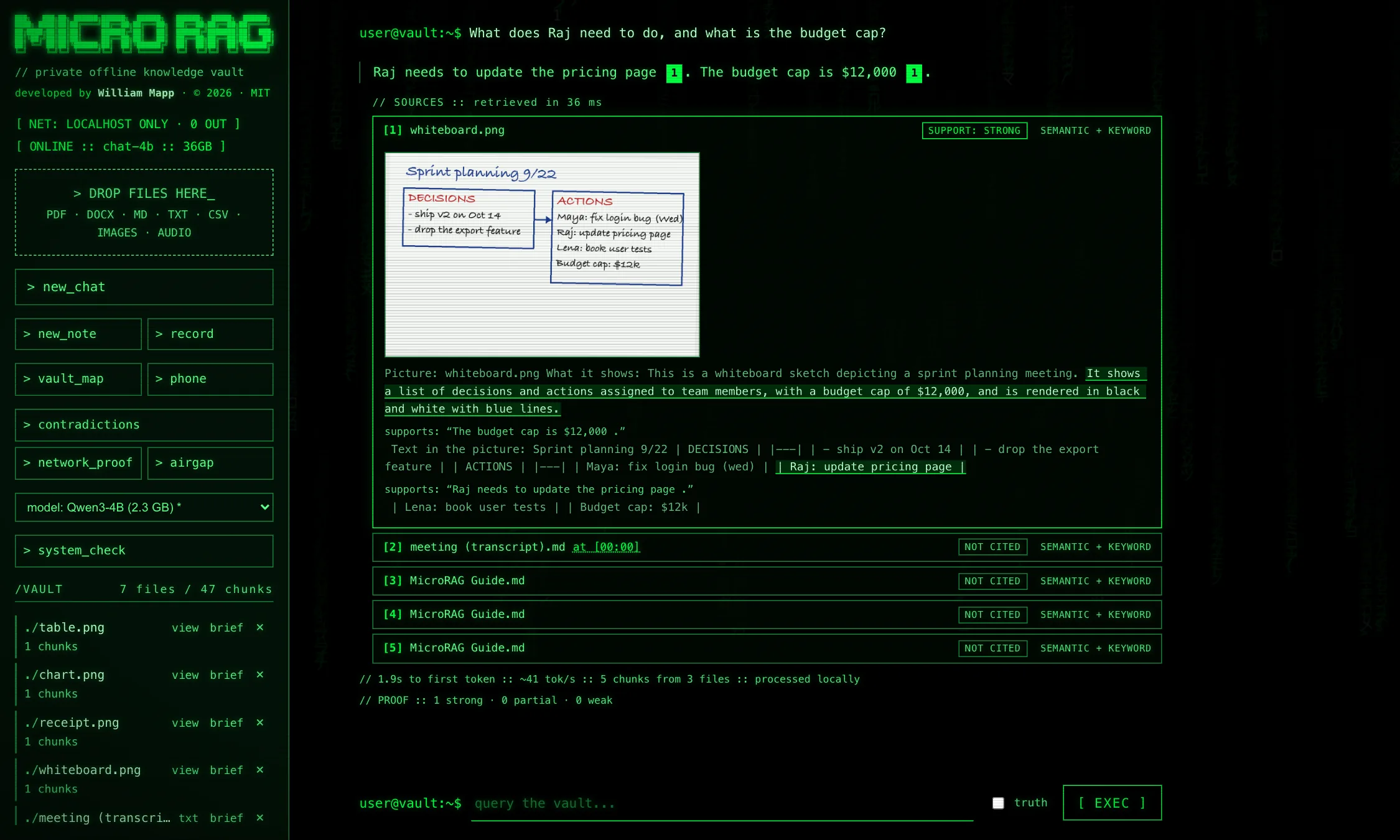
Yes, with the optional pictures pack (Gemma 3 4B and its vision file, about 3.3 GB). It writes what the picture shows plus the text in it, using Apple Vision OCR to help on a Mac, and answers show the picture beside the passage. The vision model loads only while you add pictures. It can misread small print and handwriting and sometimes adds a small detail that is not there, so check it against the picture.
What is Truth mode?
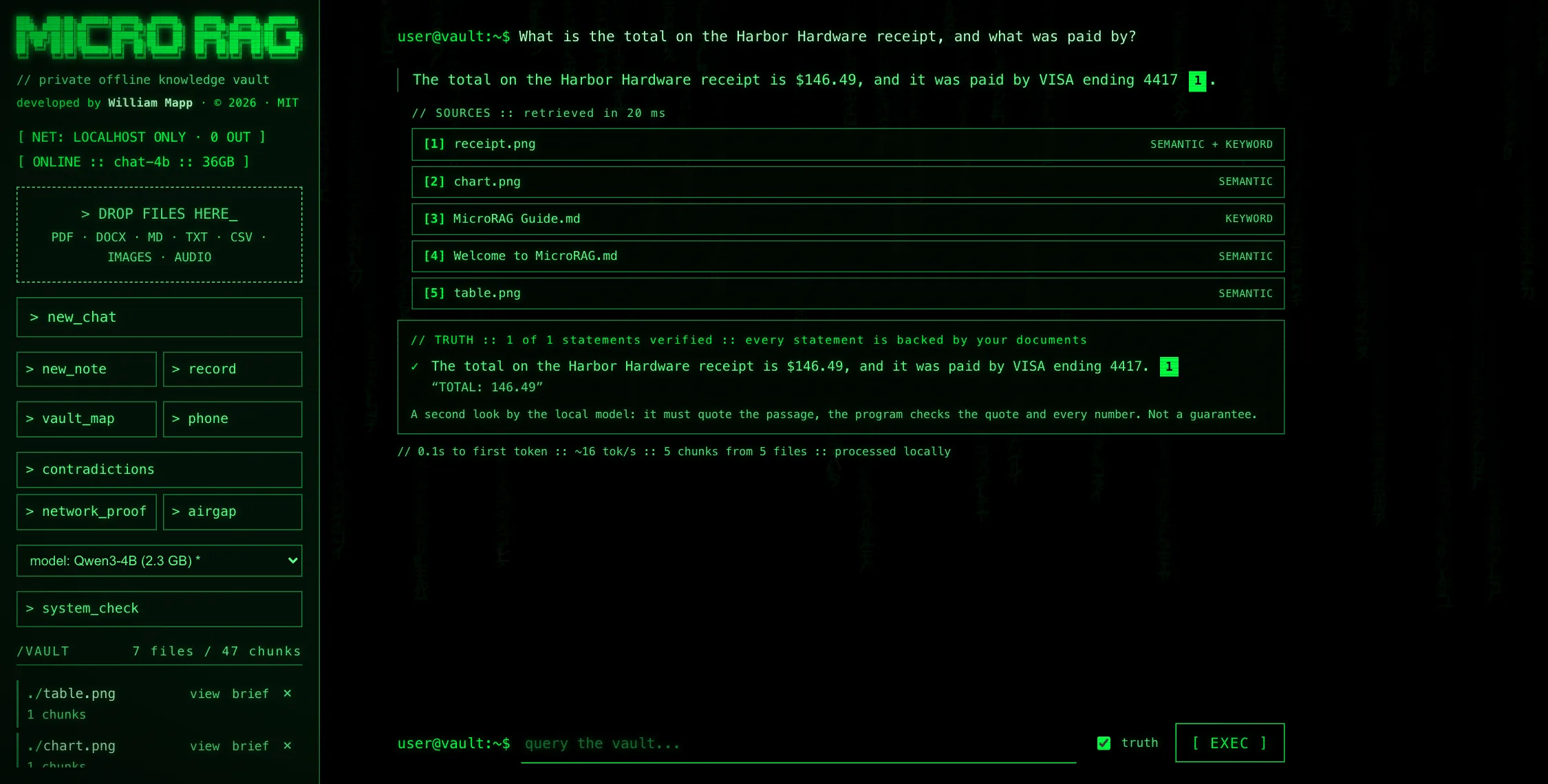
An optional check on each answer. Every statement is compared with the passage it cites: the model has to quote the passage, the program confirms the quote is really there, and every number in the statement must appear in the passage. Statements are marked backed, partly backed or not backed. In a test with deliberately broken answers it caught 92% of changed numbers, every invented sentence and 89% of answers to the wrong question, and flagged 5% of correct answers by mistake. The test was small, so treat it as a second look, not a guarantee.
Which AI models does it use?
Qwen3-4B or Qwen3-1.7B for answers (the app picks by your memory, and you can switch from a menu), nomic embeddings for search, Whisper for speech, and optionally Gemma 3 4B for pictures. Gemma is released under Google’s own terms, not an open-source licence.
How is MicroRAG different from ChatGPT or other cloud AI?
Cloud AI chat needs your files uploaded to a server and usually an account. MicroRAG runs locally, needs neither, and shows the source passage for every answer. The trade-off is that it uses a small local model, which is weaker than the largest cloud models on open-ended tasks.
Can it be wrong?
Yes. Any AI can be wrong. MicroRAG cites the passages it used and shows a strong, partial or weak support badge for each answer, so you can check the source before relying on it.
Is MicroRAG free and open source?
Yes. It is free and released under the MIT license, so you can use, change and share it.
Can I use it from my phone?
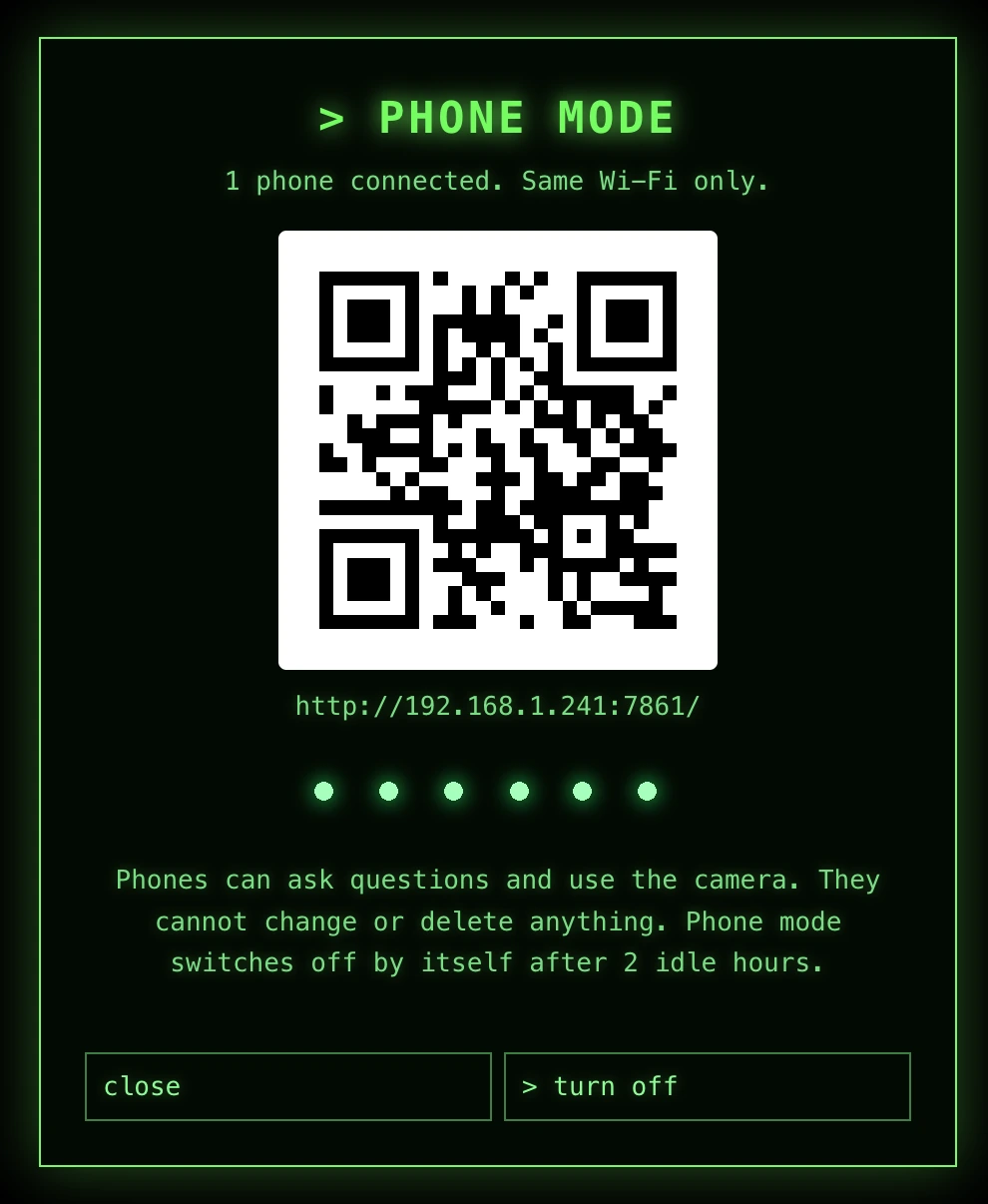
Yes. Phone mode opens your vault on a phone connected to the same Wi-Fi, protected by a 6-digit PIN. Camera Ask lets you photograph a page and ask about it. Phone mode uses plain HTTP on your local network, so use it only on a network you trust.
Who makes MicroRAG?
MicroRAG is developed by William Mapp and released under the MIT license.
 MicroRAG